
This guide explores how web push notifications maximize engagement and sales. You will learn to leverage real-time personalization for Inbound: Dynamic Content, improve user retention, and implement SEO-optimized strategies. We also cover best practices, industry examples, and answers to common questions about push messaging.
Want to re-engage website visitors instantly? Web push notifications deliver timely, personalized messages directly to users’ browsers, transforming your inbound marketing strategy and driving higher conversion rates.
The Power of Web Push Notifications
Web push notifications are clickable messages sent by a website directly to a user’s desktop or mobile browser. Unlike emails that can easily get lost in crowded inboxes or social media posts hidden by algorithms, web push notifications appear directly on the user’s screen. This makes them a highly visible tool for engaging your audience.
By integrating web push notifications into your marketing stack, you can instantly communicate with users who have previously visited your site. These alerts prompt users to return, read new content, or complete a purchase. When used correctly, web push notifications serve as a pillar for building sustainable website traffic and driving inbound marketing success.
Why Web Push Notifications Outperform Traditional Channels
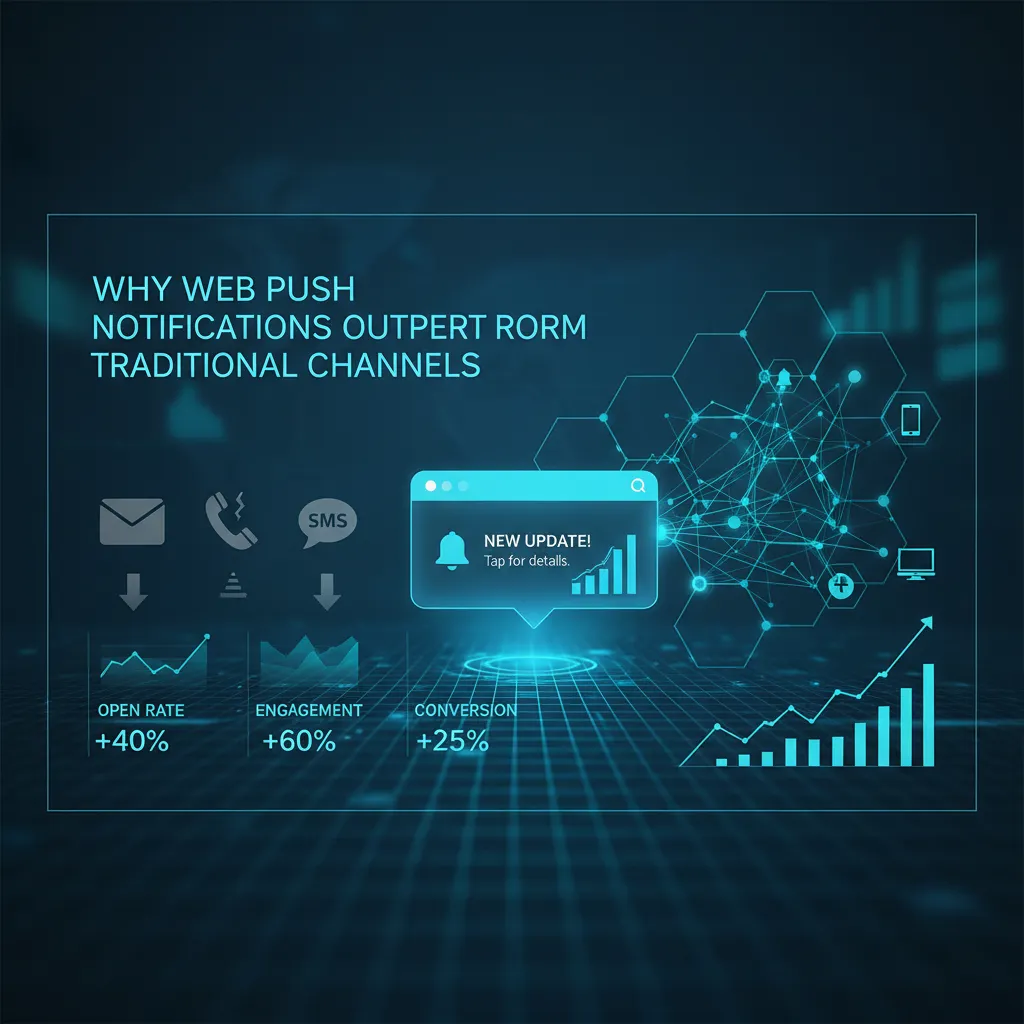
Marketers constantly search for ways to cut through the noise. Web push notifications offer several distinct advantages:
- No Personal Information Required: Users do not need to provide an email address or phone number. They simply click “Allow” on the browser prompt.
- High Visibility: Messages pop up on the screen, guaranteeing visibility even if the user is browsing a different tab or website.
- Instant Delivery: The moment you hit send, your audience receives the message.
- Bypasses Algorithms and Filters: Unlike organic social media or email marketing, web push notifications do not rely on complex algorithms or risk landing in a spam folder.
If you track your traffic using Google Analytics, you will notice that visitors who arrive via web push notifications often exhibit lower bounce rates and higher session durations, provided the messages remain highly relevant.
How Web Push Notifications Boost Inbound Marketing
Inbound marketing focuses on attracting customers through valuable content and tailored experiences. Web push notifications amplify this methodology by delivering the right content to the right person at the exact right moment.
1. Driving Repeat Traffic
Most website visitors leave and never return. Web push notifications give you a direct line to bring them back. Every time you publish a new blog post, launch a product, or update a tool, you can send an alert. High-authority SEO blogs like Backlinko emphasize the importance of return visitors for establishing brand authority and improving user engagement signals.
2. Recovering Abandoned Carts
For e-commerce sites, cart abandonment represents a massive loss in potential revenue. A targeted web push notification reminding a user about the items they left behind can significantly increase conversion rates. You can even include a small discount code to sweeten the deal.
3. Promoting Diverse Content Strategies
You can use web push notifications to promote a wide variety of content. For example, if you run a marketing agency, you might send an alert directing users to a new guide explaining what makes a good influencer marketing campaign or detailing top influencer marketing trends.
This flexibility allows you to segment your audience and send them content tailored to their specific interests, whether they want to know what influences the forex market or they are curious about inclusive brand strategies.
Crafting the Perfect Web Push Notification Strategy
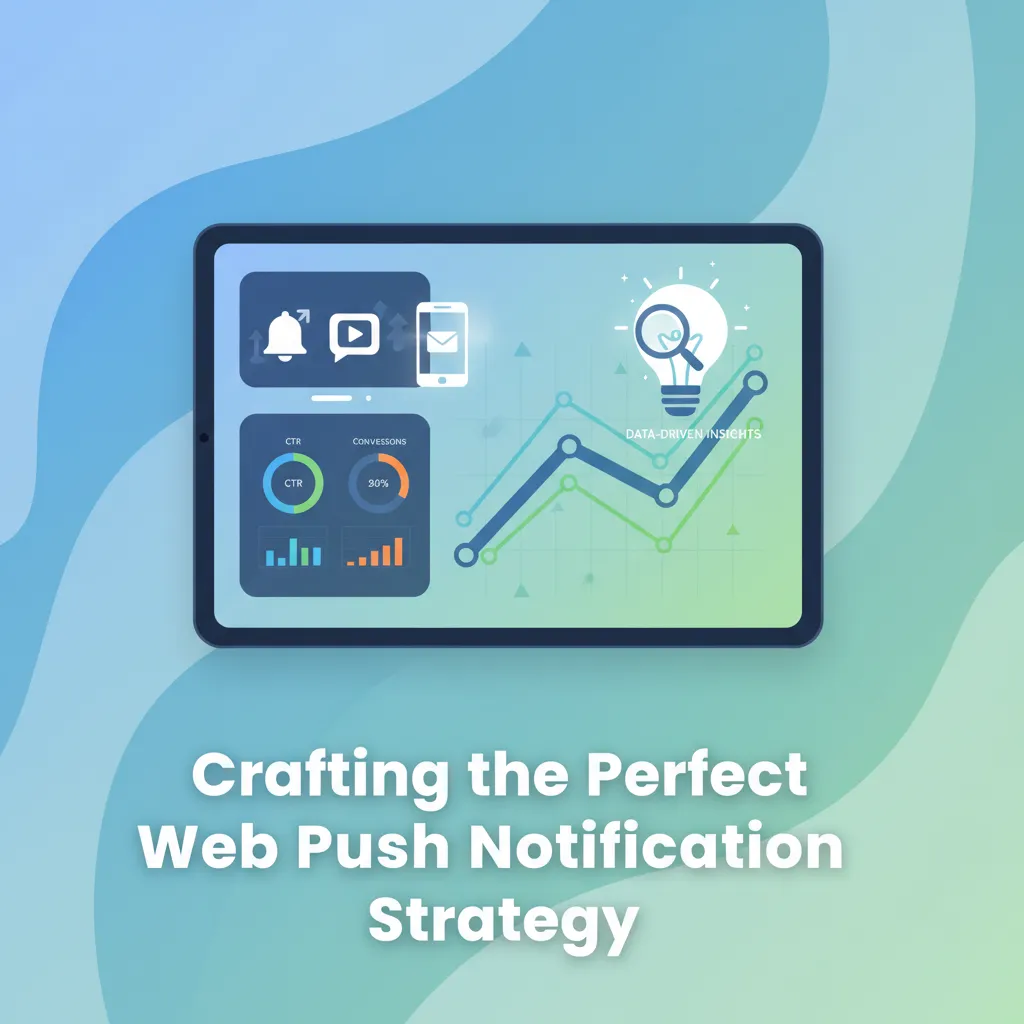
To get the most out of web push notifications, you need a solid strategy. Spraying generic messages to your entire subscriber list will result in high opt-out rates.
Implement Real-Time Personalization
Personalization drives engagement. Use browsing data to send specific notifications. If a user spends time reading about sustainable branding strategies, send them a notification when you publish a new article exploring the truth behind branded sustainability and environmental harm. Matching the message to the user’s intent ensures a much higher click-through rate.
Time Your Opt-In Prompts Carefully
Do not ask users to subscribe to web push notifications the second they land on your website. Give them time to read your content and understand your value. Trigger the prompt after they have visited two pages or scrolled halfway down an article.
Use Action-Oriented Copy
You have limited space in web push notifications. Your title and description must be concise and compelling. Use strong verbs and clear calls to action.
|
Element |
Best Practice |
Example |
|---|---|---|
|
Title |
Keep it under 50 characters. Highlight the main benefit. |
Flash Sale: 50% Off Sneakers |
|
Body |
Keep it under 100 characters. Create urgency or curiosity. |
Your cart is waiting! Complete your purchase now to get free shipping. |
|
Call to Action (CTA) |
Use direct action verbs. |
Shop Now, Read More, Claim Discount |
|
Icon/Image |
Use your brand logo or a high-quality, relevant image. |
[Brand Logo] |
Using Web Push Notifications to Distribute Industry Content

One of the best ways to utilize web push notifications is to distribute highly specific, niche content. By segmenting your audience, you can send targeted alerts that answer your users’ most pressing questions.
Social Media and Influencer Marketing
If your audience consists of digital marketers, you can send web push notifications linking to articles about how digital marketing influences consumers. You might alert them to a new case study discussing social media transforming healthcare marketing or a comprehensive guide on how to set up an influencer marketing agency.
By sharing insights on when to use influencer marketing, what companies use influencer marketing, or defining what an influencer marketing agency is, you establish your site as an authority. Users who receive a timely web push notification about steps to run a winning influencer campaign will likely click through and read the entire piece.
Branding and Consumer Marketing
Web push notifications also work perfectly for sharing thought leadership on branding. You can alert subscribers to new posts discussing luxury brand marketing, family branding in marketing, or co-branding in marketing.
If you write about deeper psychological marketing concepts, send a push notification when you publish a piece on nostalgia in digital branding or brand personality in marketing. Content about CPG brand marketing, brand perception in marketing, or how to create strong brand positioning in your market provides immense value. Sending these directly via web push notifications keeps your brand top-of-mind.
Financial and Technical Content
If you operate in the finance sector, web push notifications provide a great way to deliver breaking news or analytical pieces. You can send updates answering questions like what’s influencing financial markets right now or is influencing the stock market illegal.
SEO Benefits of Web Push Notifications
While web push notifications do not directly impact your search rankings, they create positive user signals that search engines notice. When you look at tools like Ahrefs or SEMrush to analyze your traffic, you will see that direct and returning traffic play a role in overall site health.
When users click on web push notifications, they generate instant traffic. If the content is engaging, they will stay on the page, lowering your bounce rate and increasing dwell time. Furthermore, driving instant traffic to a new blog post can accelerate indexation and encourage natural backlink generation, as more people see your content immediately after it goes live. You can even check Wikipedia to see how widely distributed web traffic patterns correlate with authority building.
Measuring and Optimizing Campaign Performance
To ensure your web push notifications remain effective, you must track your metrics and optimize your approach continually.
- Click-Through Rate (CTR): This tells you how compelling your message copy is. If your CTR drops, experiment with different headlines or emojis.
- Opt-In Rate: Monitor how many visitors agree to receive web push notifications. If the number is low, adjust the timing or messaging of your subscription prompt.
- Conversion Rate: Track what users do after clicking the notification. Are they buying products or signing up for newsletters?
- Unsubscribe Rate: A high unsubscribe rate indicates that you are sending too many notifications or that your content lacks relevance.
A/B Testing Your Messages
Always test different variations of your web push notifications. Test a plain text message against one with a large hero image. Test a straightforward headline against a curiosity-inducing headline. Over time, you will understand exactly what drives your specific audience to click.
Cross-Industry Applications: From Finance to Healthcare

The versatility of web push notifications is evident across sectors. In the financial world, where what’s influencing financial markets right now changes by the second, push alerts are essential for the delivery of real-time data on what influences the forex market. (Note: In these high-stakes areas, ensuring accuracy is paramount, as is influencing the stock market illegally when done through misinformation.)
Similarly, social media transforming healthcare marketing has led to push notifications being used for medication reminders or health tips. This demonstrates the importance and success of influencer marketing and tech integration in providing life-enhancing services. Whether it’s family branding in marketing for pediatric clinics or luxury brand marketing for high-end wellness centers, push tech bridges the gap between the brand and the individual.
Building Long-Term Trust through Personalization
The ultimate goal of using web push notifications is to foster long-term brand trust. By providing value without being intrusive, you build a relationship with the consumer. This involves nostalgia in digital branding—perhaps sending a “anniversary” notification to a long-time subscriber—and maintaining a strong brand positioning.
As you refine your inbound marketing strategy, remember that web push notifications are a privilege granted by the user. Respecting that privilege by delivering only the highest-quality, most relevant content is the fastest way to achieve digital marketing success.
Integrating Web Push Notifications with Other Channels
Web push notifications should not exist in a vacuum. They work best when integrated with your broader marketing strategy. Combine them with your email marketing and social media efforts to create a unified experience.
For instance, you might send an email newsletter discussing integrated marketing and what branded content marketing is. A few days later, you can send a web push notification highlighting a related success story, such as digital marketing success stories or the major objective of all brand marketing. This multi-touchpoint approach reinforces your message and drives deeper engagement.
Conclusion
Web push notifications offer a direct, highly effective way to re-engage users and boost your inbound marketing results. By delivering personalized, time-sensitive messages, you build stronger relationships and drive consistent conversions. Start implementing these proven strategies today to transform casual traffic into loyal customers and maximize your overall digital growth.
Frequently Asked Questions (FAQs)
1. What are web push notifications?
Web push notifications are clickable, rich-media messages sent by a website directly to a user’s device browser, even when the user is not actively browsing that specific website.
2. How do web push notifications boost inbound marketing?
They boost inbound marketing by driving highly targeted, repeat traffic to your website, increasing engagement, recovering abandoned carts, and promoting new content directly to interested users.
3. Do users need to install an app to receive web push notifications?
No. Web push notifications operate entirely through the web browser. Users simply need to click “Allow” on the permission prompt that appears on your website.
4. Are web push notifications supported on mobile devices?
Yes, they are supported on Android devices via browsers like Chrome and Firefox. However, iOS support for web push notifications depends on specific OS versions and requires users to add the website to their home screen as a web app.
5. How often should I send web push notifications?
Frequency depends on your industry and audience. News sites might send several a day, while an e-commerce brand might send two to three per week. Monitor your unsubscribe rates to find the perfect balance.
6. What is the difference between web push notifications and email marketing?
Web push notifications are shorter, more immediate, and appear directly on the screen without requiring the user to open an application. Email marketing is better for longer-form content and requires the user to check their inbox.
7. How can I personalize my web push notifications?
You can personalize messages by segmenting your subscribers based on their browsing behavior, geographic location, device type, or past purchase history.
8. Can web push notifications help with SEO?
While they do not provide a direct ranking boost, they drive rapid, engaged traffic to your site. High engagement metrics, such as increased dwell time and lower bounce rates, signal to search engines that your content is valuable.
9. What are the best practices for getting users to opt in?
Do not trigger the prompt immediately. Provide value first by letting the user read your content. Use a “soft prompt” that explains the benefits of subscribing before triggering the browser’s default hard prompt.
10. How do I measure the success of my web push notifications?
Track key performance indicators (KPIs) such as opt-in rate, click-through rate (CTR), conversion rate, and unsubscribe rate using your push provider’s analytics dashboard and Google Analytics.